PaxFlow feature
Resource management
PaxFlow brings every core operational task into one connected system, reducing manual work, preventing mistakes, and giving your team clarity and control from booking to departure, and beyond.
Manage a fleet of resources for tour operations
PaxFlow offers complete resource management for tours. Manage tour resources like buses, vans, boats or helicopters, organise your fleet using labels for types, locations, capabilities and more, then manage schedules and assignments from one connected system.
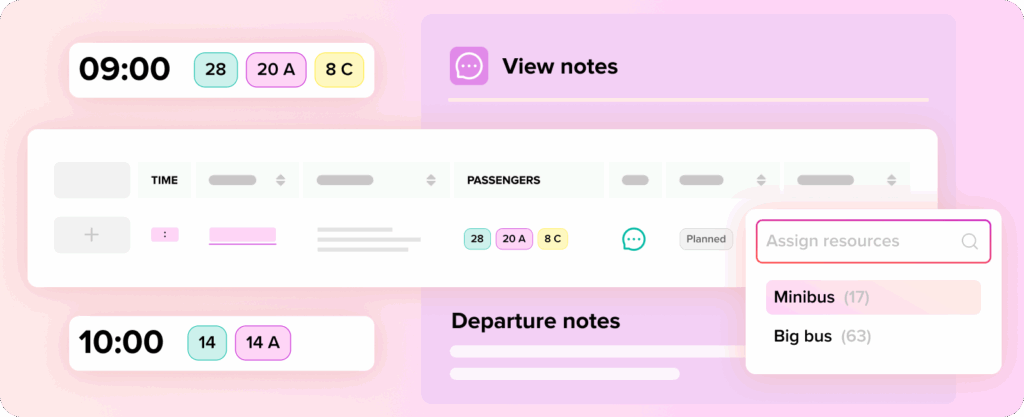
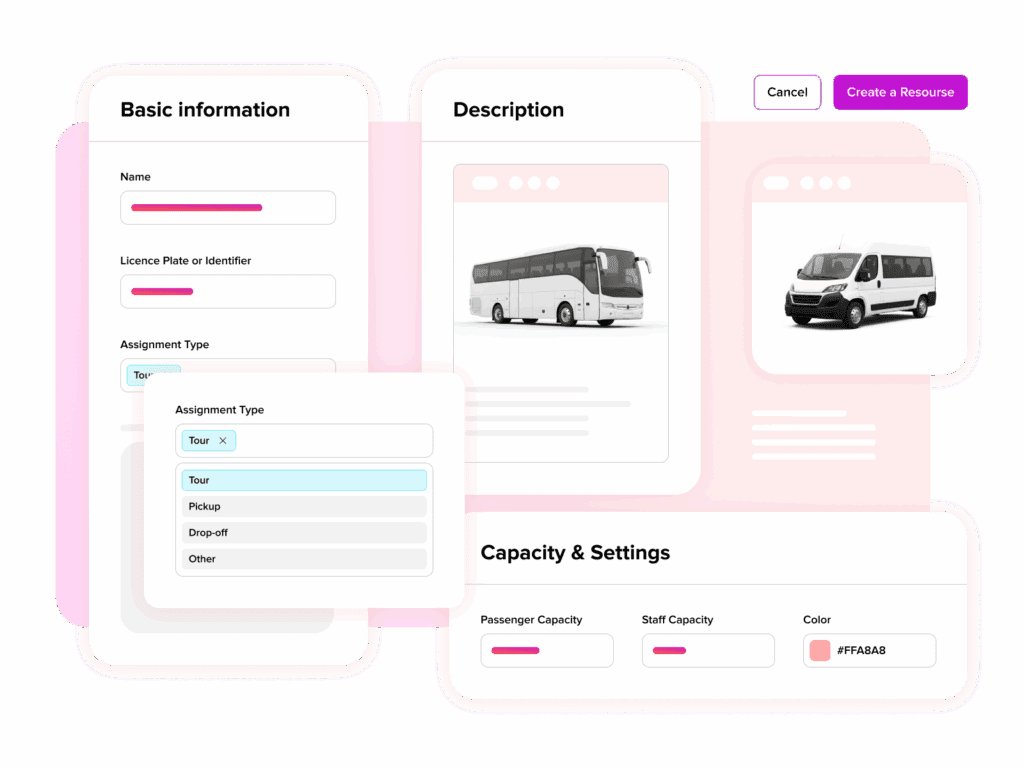
Organise your resources
Manage tour resources and organise your fleet by type of resource, type of assignment, labels, locations, capabilities and more.
Create resource assignments
Schedule your fleet on tours, departures, pick-ups, maintenance, cleaning and other operational assignments.
Clear overview
Get a clear overview of fleet assignments and occupancy on the resource calendar.
Effectively plan resources for tours
Schedule resources well in advance and have a thought-out plan in place for your departures. Assign fleet units on tours, departures, pickups, maintenance or cleaning.
Create one-off assignments per resource or schedule repeated assignments into the future, giving your operations team a clear overview of utilisation for any given period.
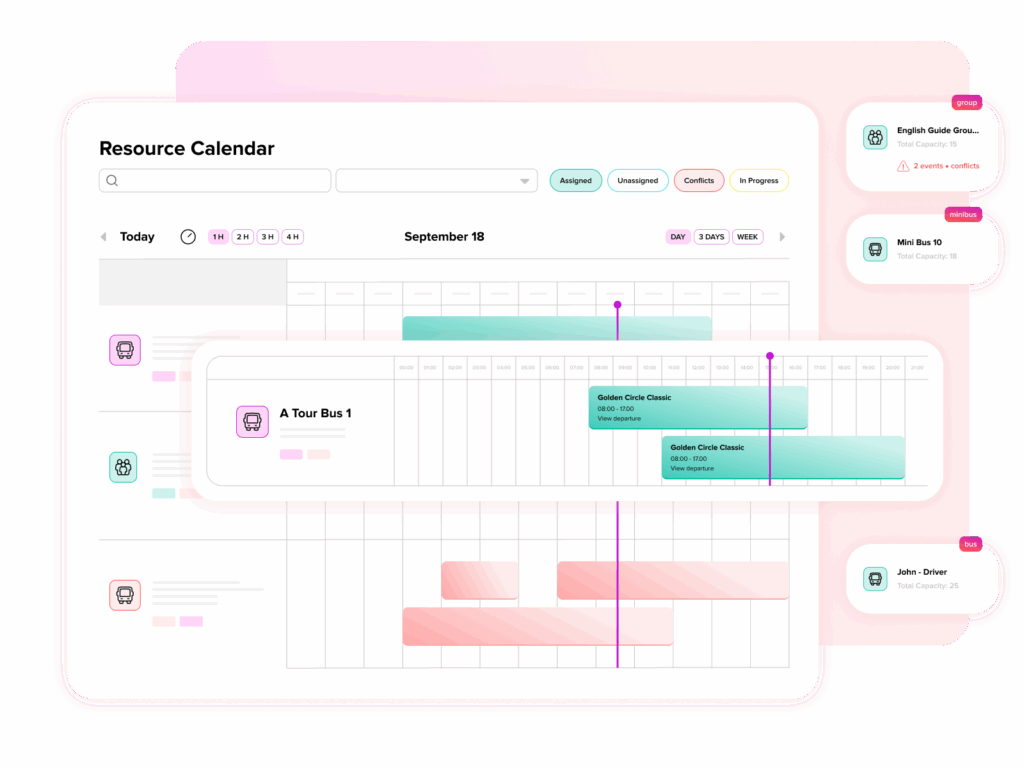
See utilisation across your fleet
The resource calendar gives your team visibility over assignments, occupancy and upcoming operational commitments, helping you prevent double-booking, spot gaps and understand where your fleet is being used.
Assign guides, drivers and support staff
Assign guides, drivers and support staff to specific departures and field shifts. Automatically notify staff of new shifts and assignments, then display upcoming schedules in the office so everyone can see what is happening.
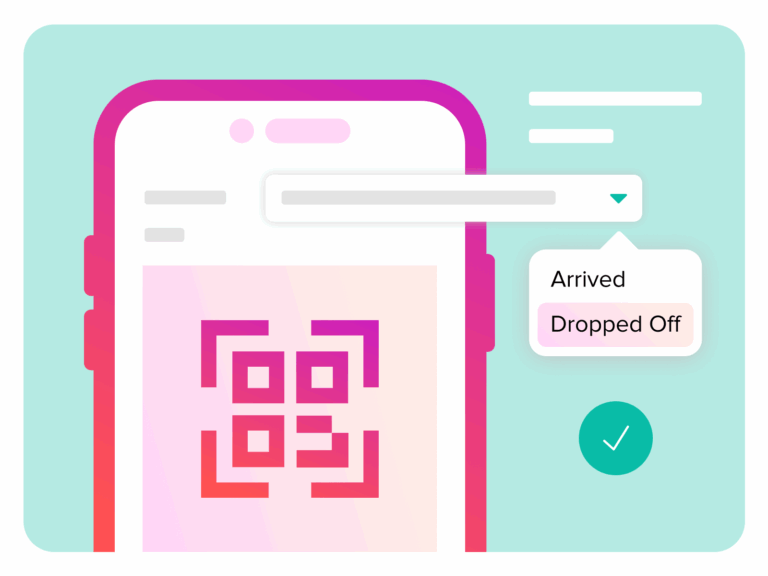
Enroute application for drivers and guides
Enable field staff to mark passengers as arrived or no-show and send notifications to customers directly. With individual staff logins, drivers and guides can view important passenger information on the go and onboard guests with ease.
See PaxFlow in action
Watch how leading tour operators are transforming their operations