PaxFlow feature
Enroute application
PaxFlow brings every core operational task into one connected system, reducing manual work, preventing mistakes, and giving your team clarity and control from booking to departure, and beyond.
Enroute application for field staff
Enable field staff to mark a passenger as a no-show and send out a notification to the customer directly. With individual staff logins, drivers and guides can view important passenger info on the fly, take payments or cross-sell products.
14 day FREE trial
Explore the Enroute workflow and field staff tools before committing.
No credit card required
Start testing staff assignments, check-in and passenger workflows without payment details.
Book a demo
See how PaxFlow supports smoother arrivals, pickups and tour onboarding.
Optimise customer onboarding on tours
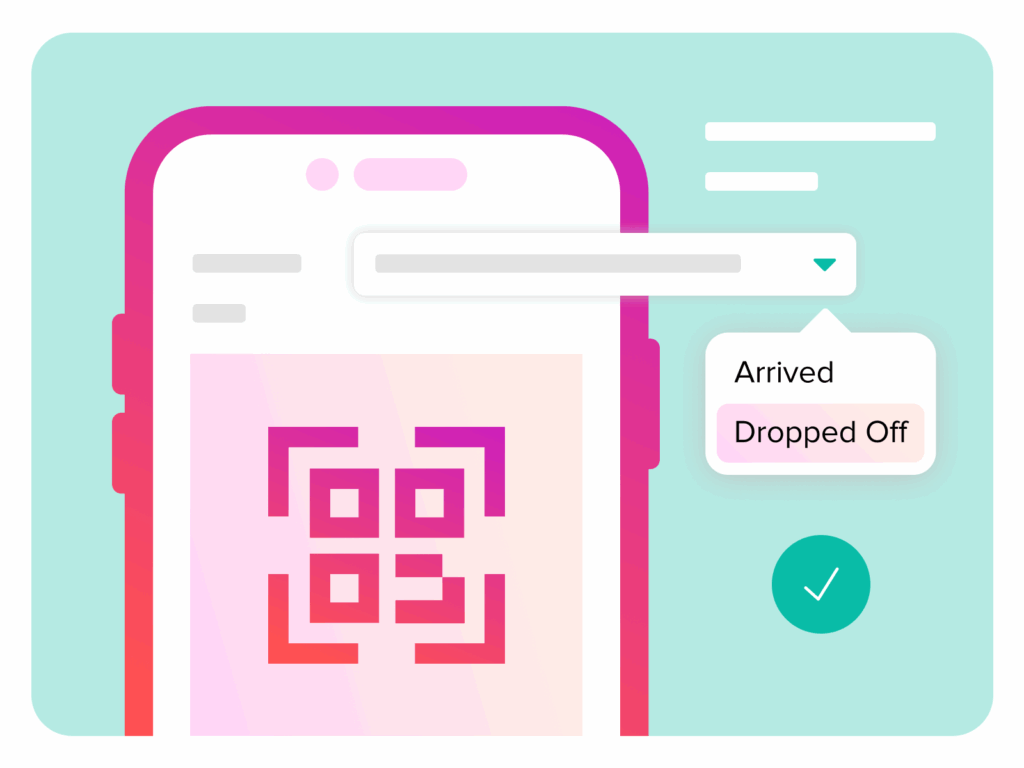
The ticket scanner enables tour operators to quickly onboard passengers and guests by scanning tickets and marking them as arrived. All standard versions of QR codes and bar codes can be scanned, with full support for OTA tickets such as Viator and GetYourGuide.

Handle no-shows and arrivals in real time
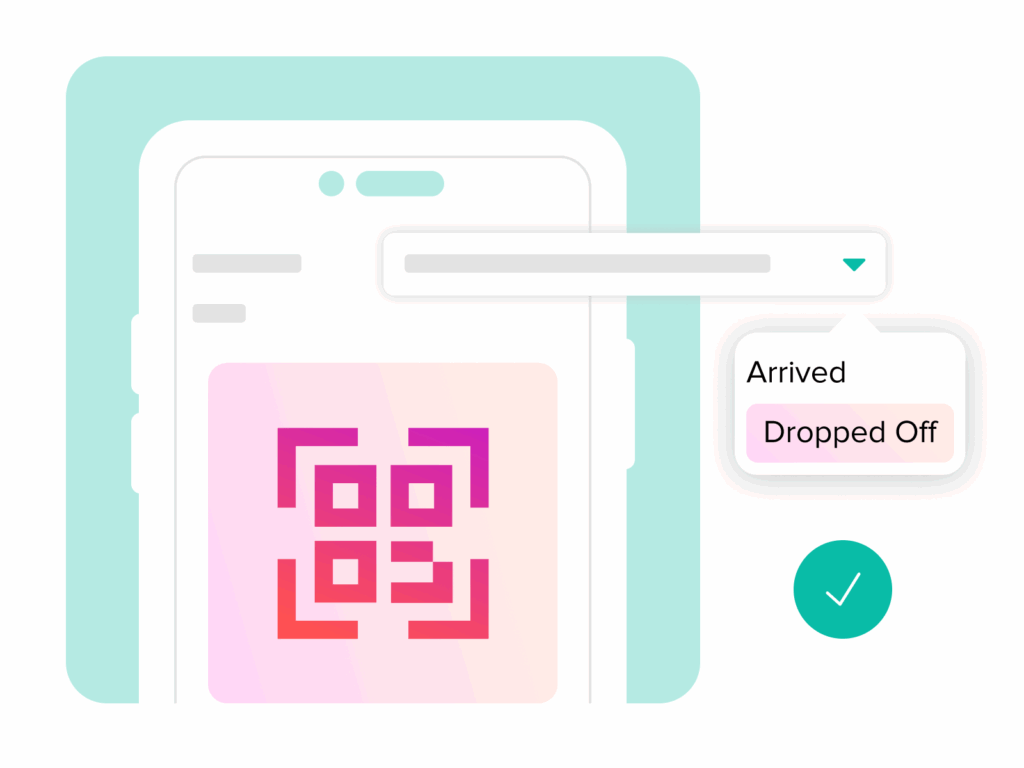
Field staff can mark passengers as arrived or no-show directly from the Enroute application. PaxFlow can then trigger no-show workflows and send customer notifications without the office team needing to chase every update manually.
Give field staff passenger information on the fly
With individual staff logins, drivers and guides can view important passenger information while out in the field. This helps staff support guests, manage arrivals and keep departures moving without depending on office staff for every detail.
Guest communication for ground staff
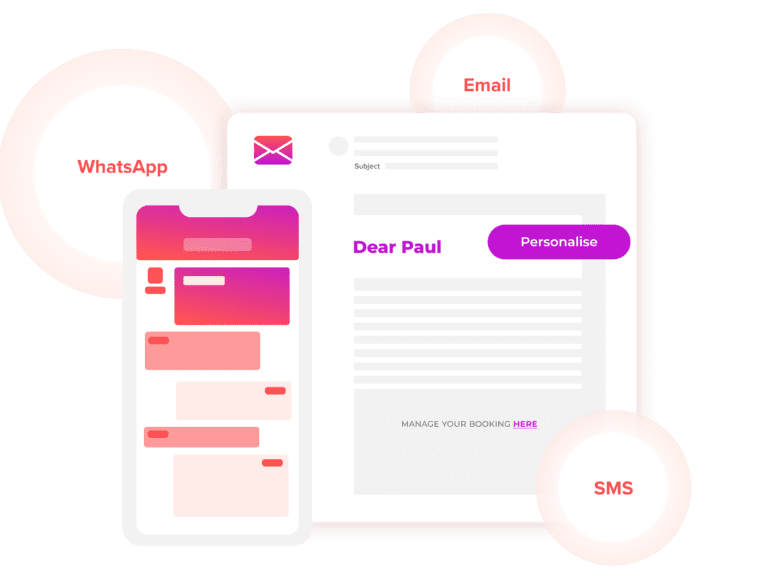
Enable ground staff such as guides and drivers to communicate with guests using ready-to-use email, SMS and WhatsApp templates. Continue conversations on WhatsApp chat within the PaxFlow Enroute application.

See PaxFlow in action
Watch how leading tour operators are transforming their operations